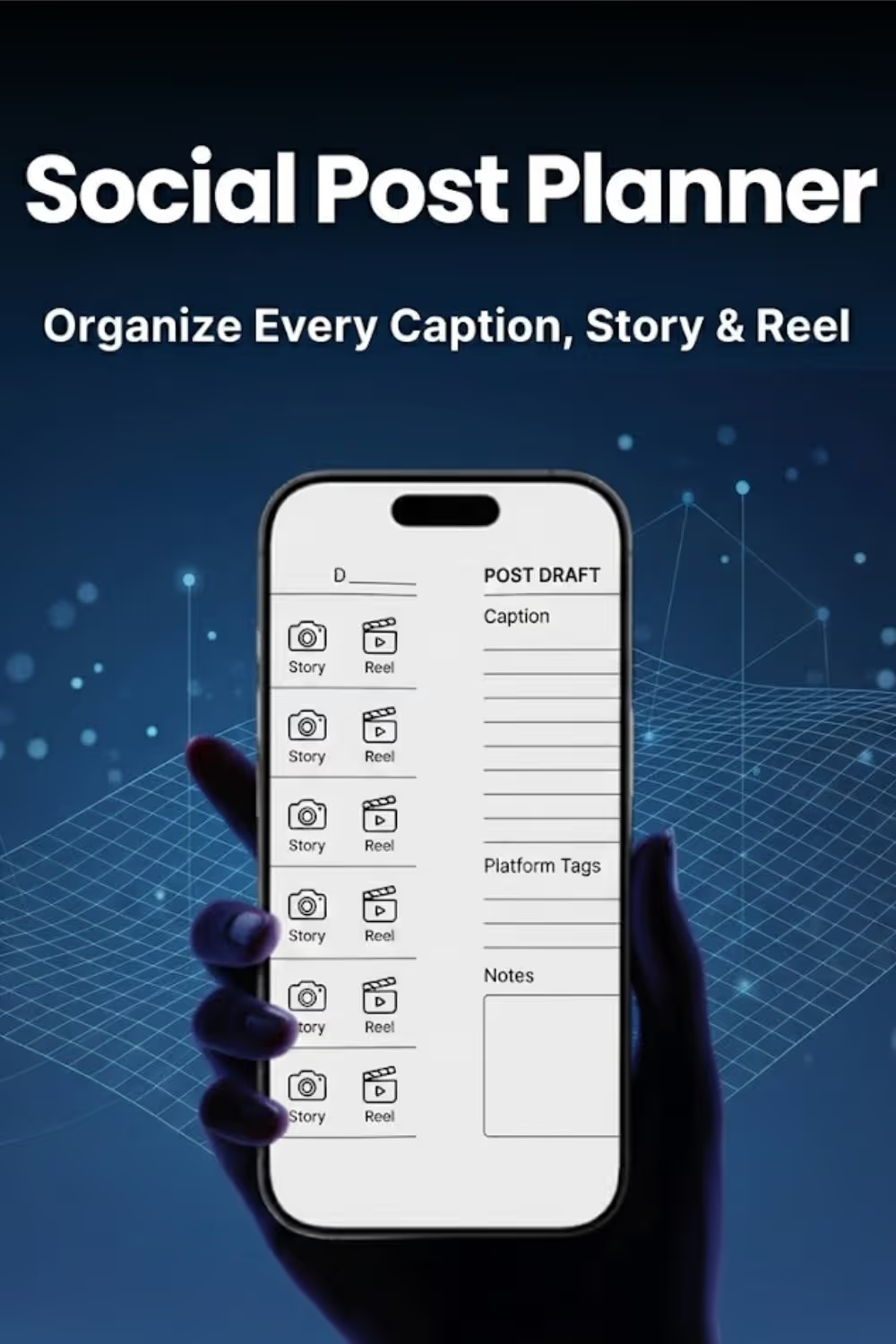
Move from first draft to final edit in one place. Labeled sections for Feed, Story, and Reels keep your writing focused and your posting schedule on track.
Craft compelling narratives with a dedicated five-box sequence flow. Planning your slides in advance ensures your stories are engaging from start to finish.
Never miss a trending sound or concept again. Use the Reel and video log to capture ideas as they happen, creating a library of content ready for production.
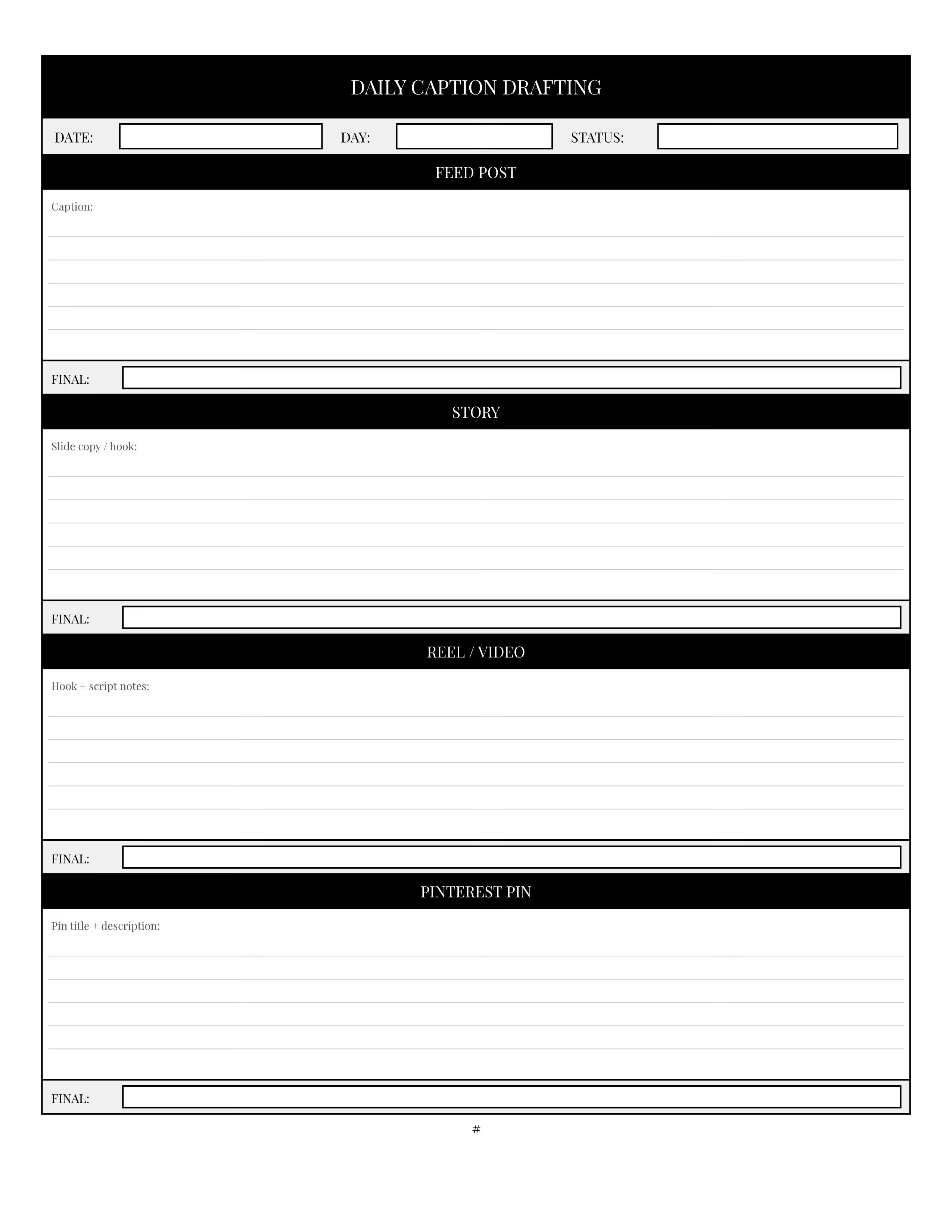
Daily caption drafting pages for Feed, Story, Reel, and Pin posts.
Weekly theme and mood board pages to set your creative direction.

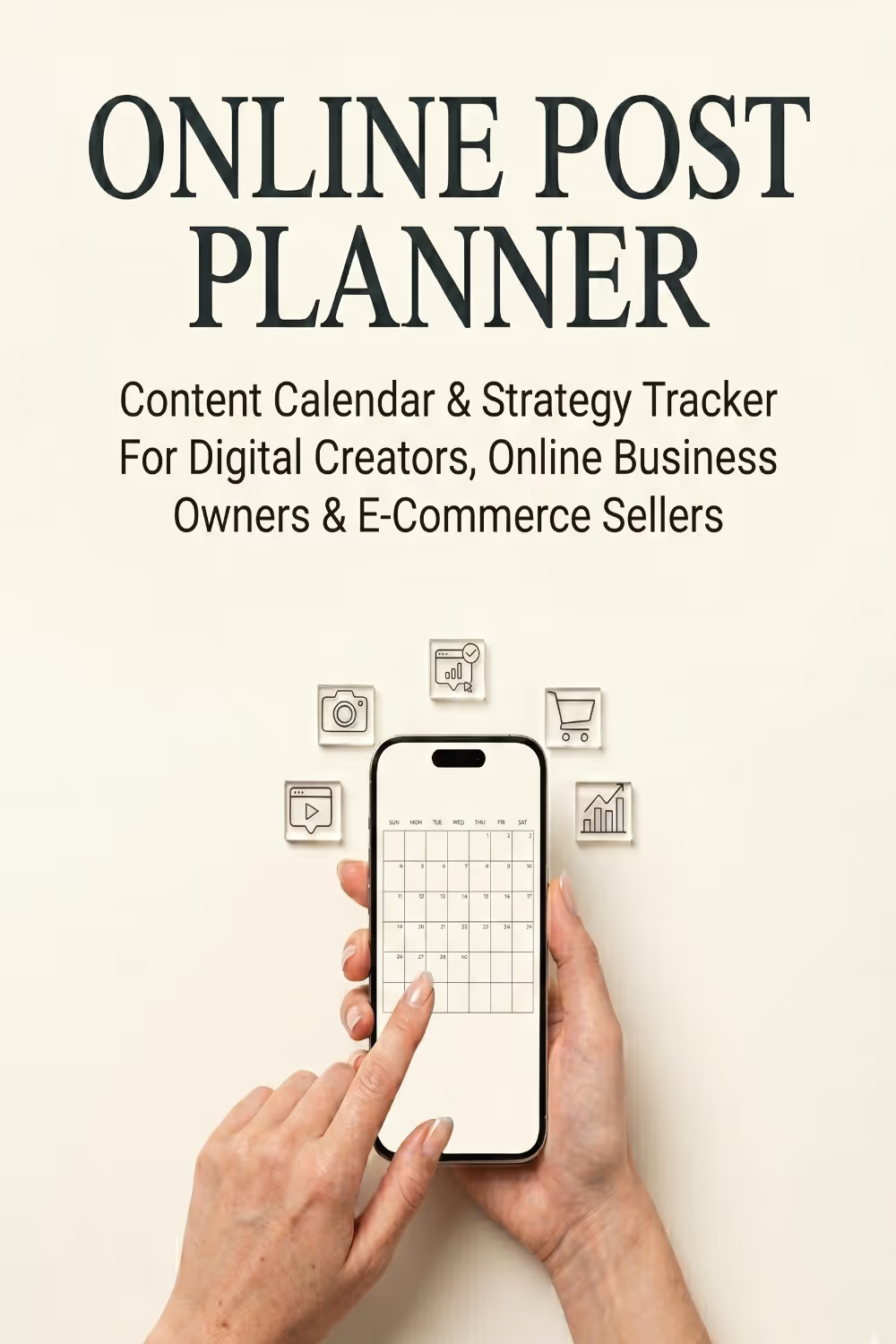
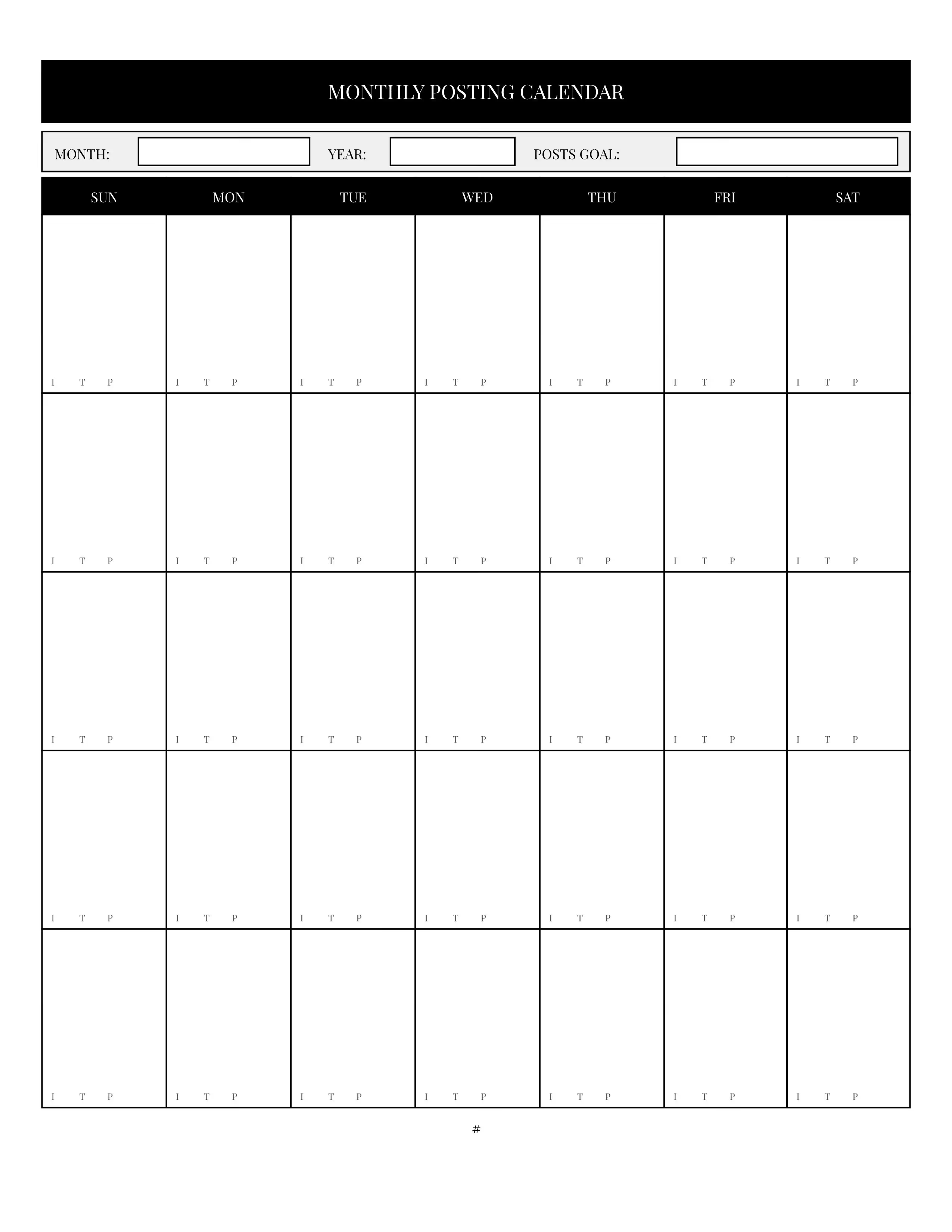
Monthly posting calendar grid for visual scheduling.
Story arc planners and analytics snapshot trackers.

Welcome to the Social Post Planner — a three-month daily-use system for Instagram and TikTok creators, boutique brands, and social-first businesses who want to move from scattered caption ideas to a polished, intentional posting schedule. Whether you are building a personal brand, growing a product business, or managing content for clients, this planner gives you the structure to draft, refine, and track every post before it goes live.
Each month opens with a Monthly Posting Calendar. This full-page grid maps your entire month at a glance, with a column for every day of the week and small platform indicators — I for Instagram, T for TikTok, P for Pinterest — at the base of each day cell. Fill in your planned post dates at the start of the month, then update the calendar as posts go live. Your posts goal field at the top keeps your monthly output target visible throughout the month.
The Analytics Snapshot Tracker follows the calendar. This compact table gives you one row per platform to record your follower count at the end of the month, your best-performing post, and your single most important metric. Filling this in at the close of each month takes less than five minutes and builds a three-month data record that tells you exactly which platforms and content types deserve more investment.
After the two monthly reference pages, the rest of each month is divided into four weekly blocks. Every block opens with a Weekly Content Theme and Mood Board page. Use this page at the start of each week to set your aesthetic direction before you write a single caption. Name your week's theme, describe the visual and tonal vibe you are going for, and fill in your mood board notes — color palette, font or editing style, reference accounts, and creative inspiration. The platform content goals section gives you space to define what you most want to achieve on Instagram, TikTok, and Pinterest that week. Two hashtag columns let you organize your niche and trending tags in one place. Completing this page before you begin drafting ensures every post that week feels cohesive and intentional rather than improvised.
Five Daily Caption Drafting pages follow each weekly theme page, one for each weekday. Each drafting page is divided into four platform sections — Feed Post, Story, Reel or Video, and Pinterest Pin — with a structured draft area inside each section and a FINAL line at the bottom for your polished, post-ready caption. The prompt inside each draft area guides you to the right kind of content for that format: a story hook differs from a feed caption, and a pin description differs from a reel script. Work through each section in sequence: draft first without editing, then write your final version on the FINAL line. Moving from draft to final on the page before you open your phone is the habit that produces consistently better captions with less time spent rewriting in-app.
The Reel and Video Idea Log follows the daily pages. This single page holds four video idea blocks, each with fields for your concept, hook line, audio or trend to use, target length, and a row of status checkboxes — Idea, Scripted, Filmed, Edited, Posted. Use this page to capture video ideas as they come up during the week, then work through the status checkboxes as each video progresses from concept to published.
Each weekly block closes with a Story Arc Planner. This page maps out one complete Instagram or TikTok story sequence with five labeled slide boxes across the top — Slide 1 through Slide 5 — giving you space to outline the content, text, or action for each slide. Below the slide sequence, dedicated fields for your opening hook and closing call to action ensure every story has a clear beginning and a clear purpose. The sticker and interactive elements section captures your engagement mechanic for the sequence, and a notes area at the bottom holds anything else the story needs before you shoot it.
Twelve additional notes pages close the planner for content ideas, brand voice notes, campaign planning, or creative brainstorming that does not belong inside a specific week's pages.
Three months. Every post drafted before it is published.